
Mandelbrot Deep Zoom
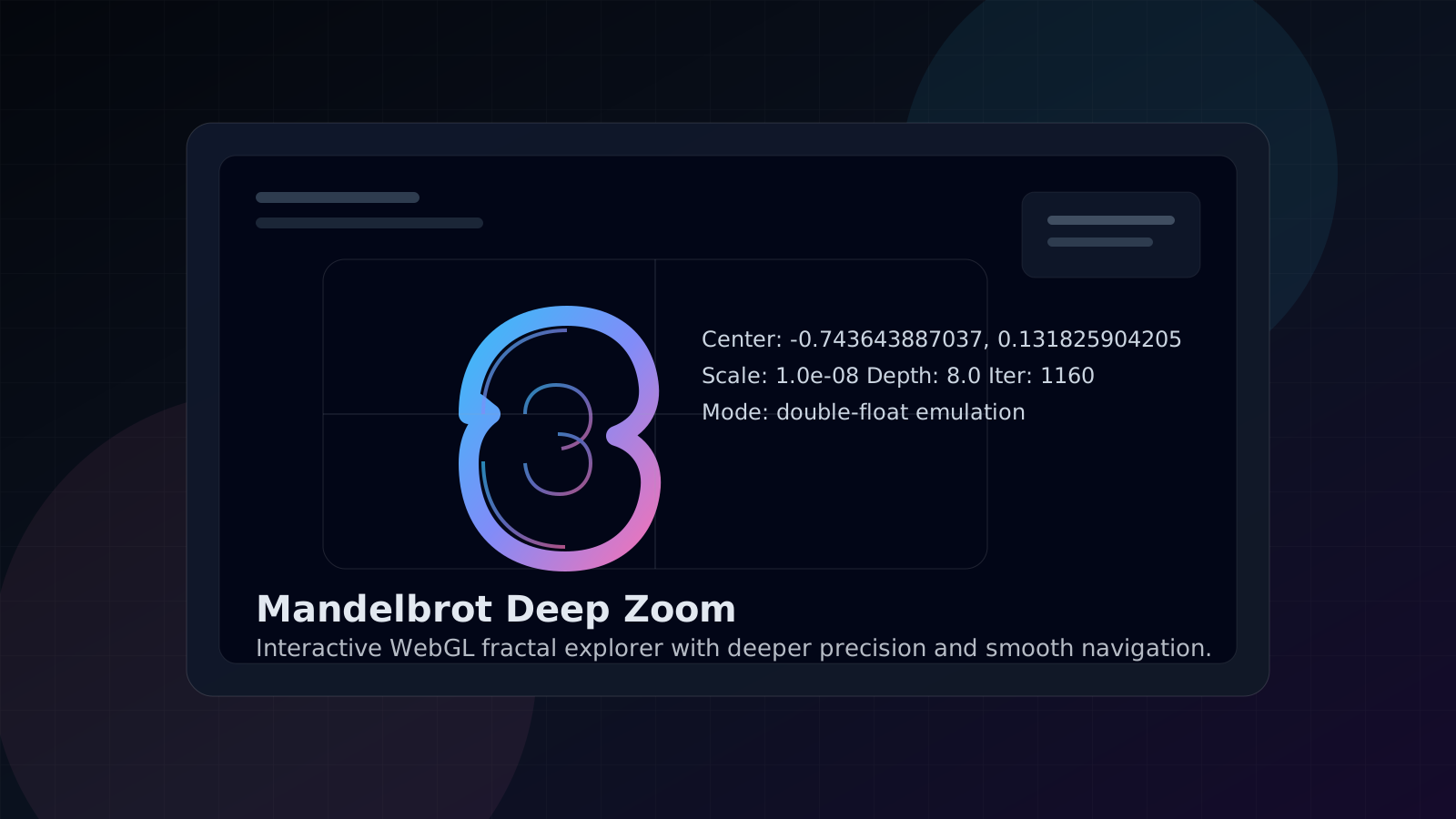
Interactive Mandelbrot explorer with smooth pan and zoom, GPU rendering, and double-float emulation for deeper navigation than a typical WebGL fractal demo.

What it does
This tool renders the Mandelbrot set in real time with WebGL and keeps the navigation fluid even as you zoom well past the range where ordinary single precision shaders start to fall apart.
The renderer uses double-float emulation in the fragment shader, splitting each coordinate into high and low float parts to preserve more useful precision.
How to use it
- Open: https://tedt.org/tools/fractal.html
- Scroll to zoom toward or away from the cursor.
- Drag with the left mouse button to pan.
- Double-click to zoom in faster.
- Double-right-click to zoom out.
- Single-click to recenter on a point.
Notes
- This tool requires WebGL.
- The HUD shows the current center coordinates, scale, depth, and iteration cap.
- Interior points render black; escaping points use a smooth cyclic palette.
Precision model
Typical WebGL Mandelbrot demos rely on single-precision floats, which limits how far you can zoom before coordinates smear or collapse. This version uploads the center position as float32 high and low parts and reconstructs arithmetic in the shader, pushing usable exploration deeper while remaining fully client-side.
Details
- WebGL
- JavaScript
- HTML
Features
- Scroll-wheel zoom centered on the cursor
- Drag to pan across the set
- Double-click to zoom in and double-right-click to zoom out
- Live HUD with center point, scale, depth, and iteration count
- Double-float shader math for deeper zoom than standard float precision
Screenshots