 Ted Tschopp
Focus Timer Studio
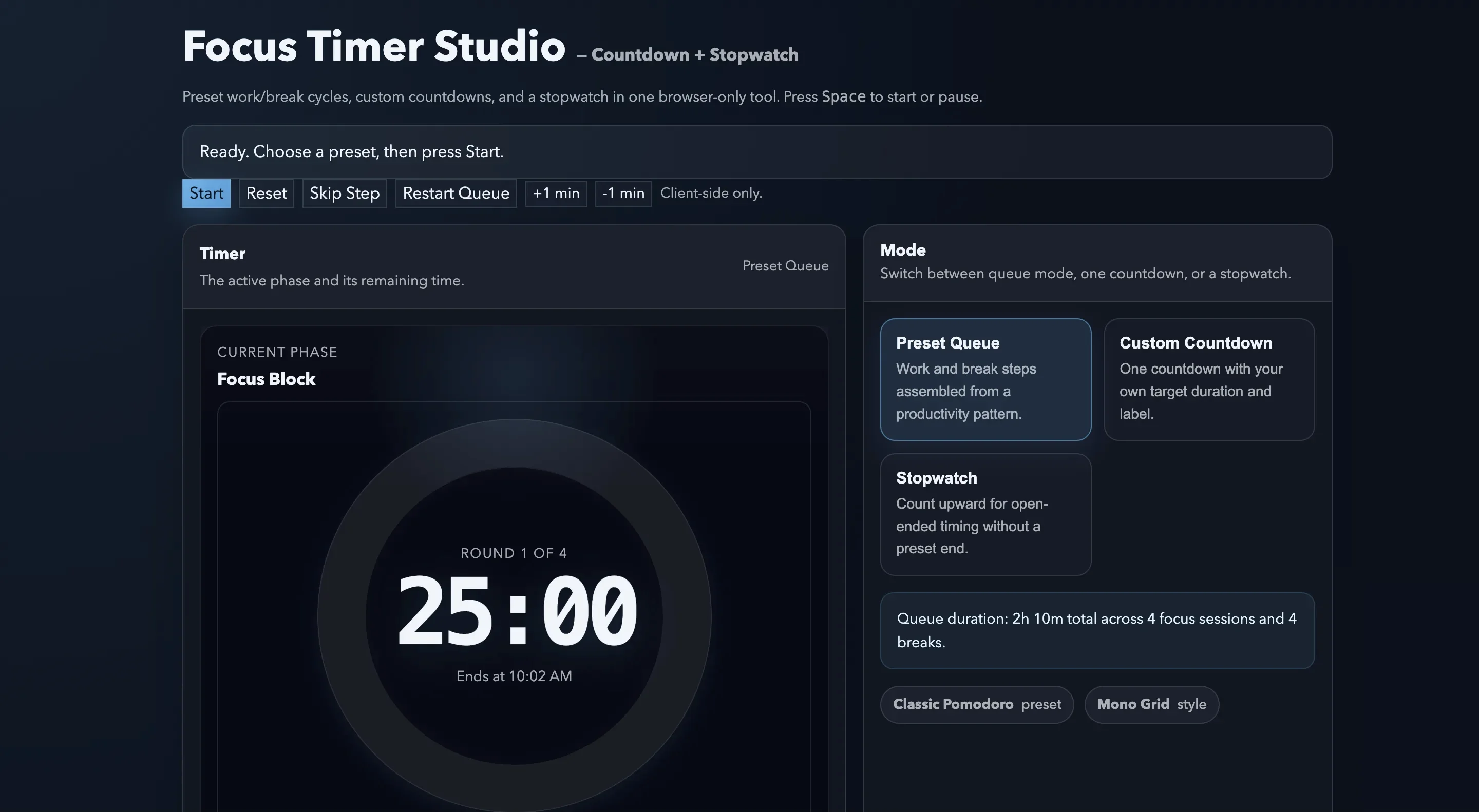
A client-side countdown timer and stopwatch with productivity presets, queue-based focus cycles, theme switching, and multiple number-display styles.
ACTIVE
webapp
Updated March 8, 2026
What it does
Focus Timer Studio is a single-page timing tool for people who want more than a plain countdown clock.
It combines three use cases in one browser-only workspace:
- preset focus cycles for productivity methods
- a custom one-off countdown
- a simple stopwatch for open-ended timing
How to use it
- Open: https://tedt.org/tools/focus-timer.html
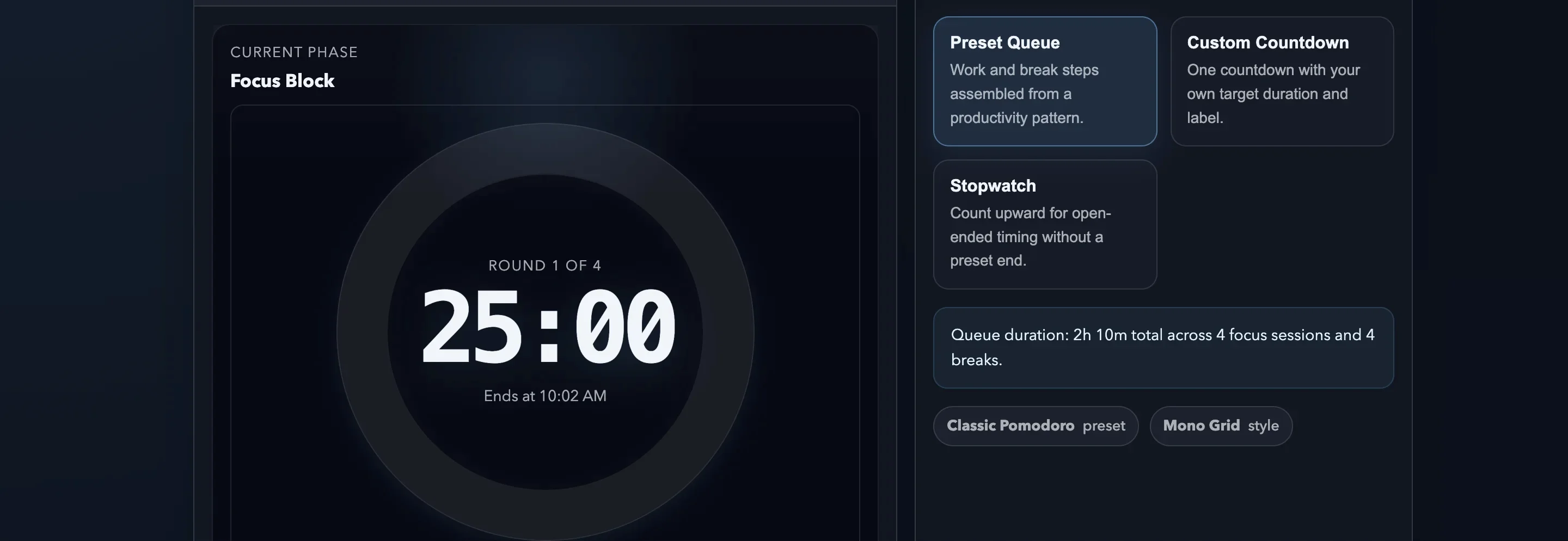
- Pick a mode: preset queue, custom countdown, or stopwatch.
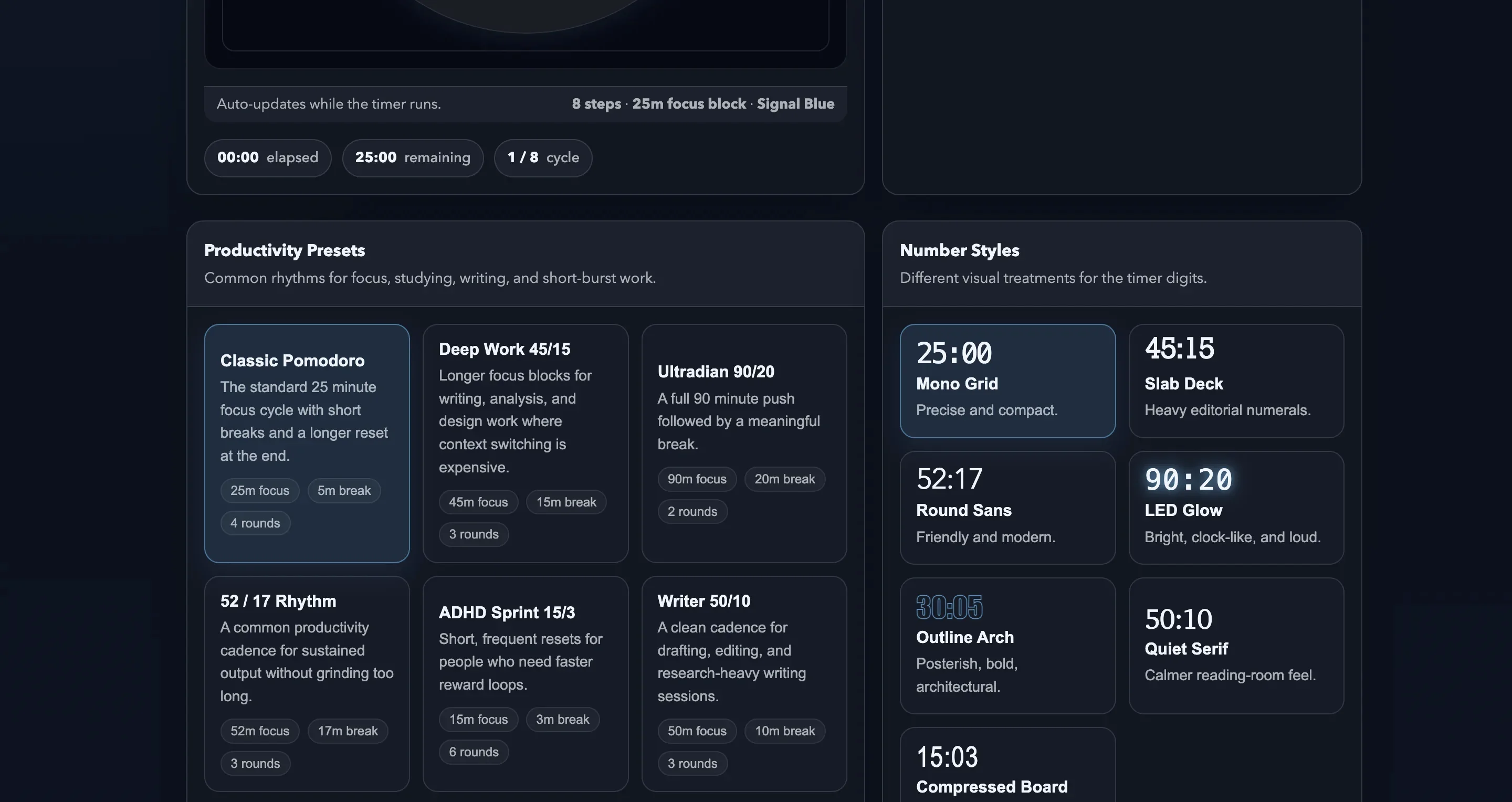
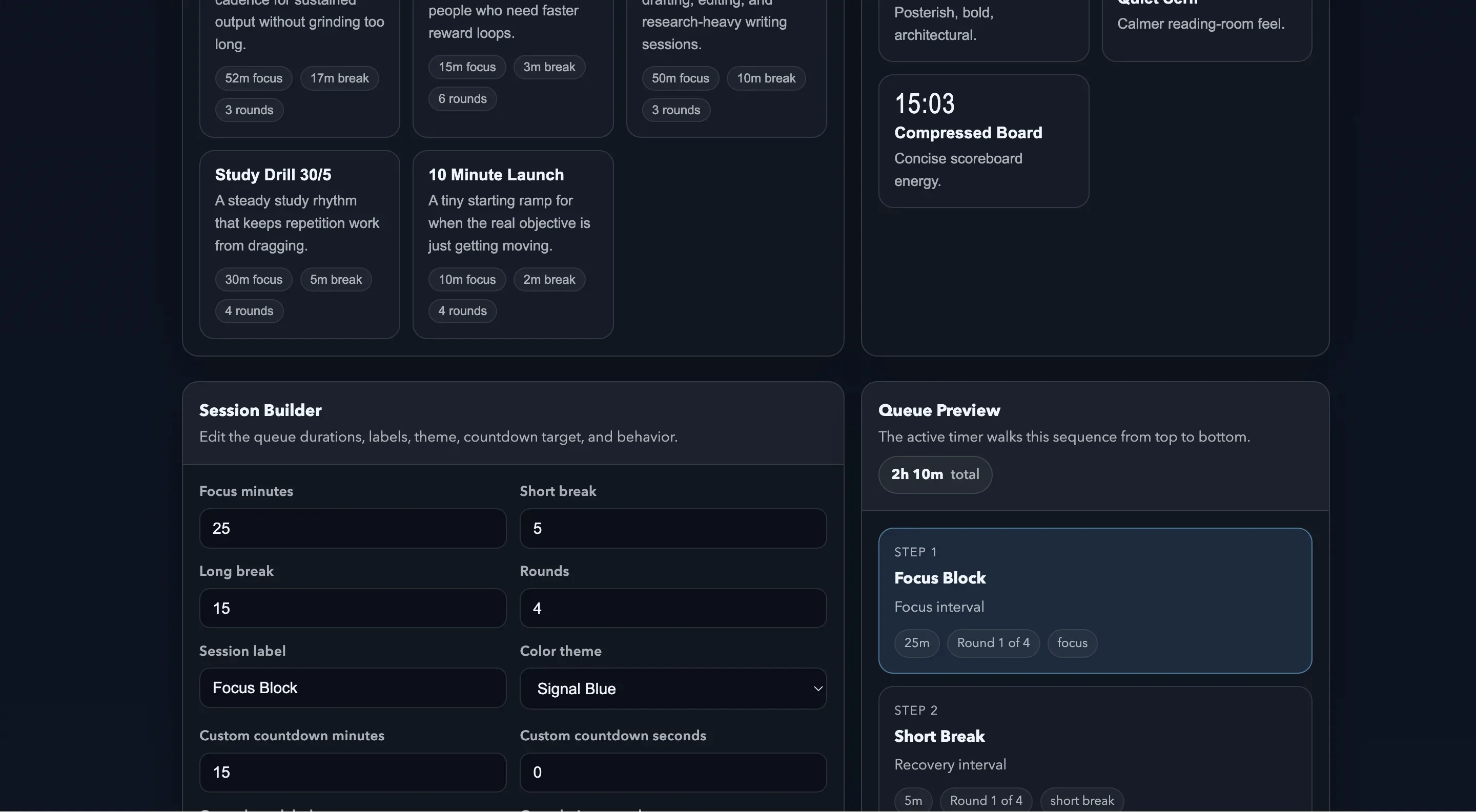
- Choose a productivity preset or edit the session builder values.
- Change the number style and color theme if you want a different visual feel.
- Press Start or use the keyboard shortcuts shown on the page.
Included productivity presets
- Classic Pomodoro
- Deep Work 45/15
- Ultradian 90/20
- 52 / 17 Rhythm
- ADHD Sprint 15/3
- Writer 50/10
- Study Drill 30/5
- 10 Minute Launch
Screenshots

Notes
- Everything runs locally in the browser. No account, no server round-trip, no sync dependency.
- The tool remembers your most recent preset, theme, style, and builder values in local browser storage.
- Completion tones use the Web Audio API when the browser allows it.
Details
Tech
- JavaScript
- HTML
- CSS
License
MIT
Tags
timer
countdown
stopwatch
productivity
pomodoro
focus
javascript
tools
Features
- Preset queues for Pomodoro, deep work, 52/17, ADHD sprint, study, writing, and ultradian rhythms
- Three modes: preset queue, custom countdown, and stopwatch
- Seven number-display styles and four color themes
- Queue preview with focus and break totals
- Keyboard controls, local preference memory, and browser-only execution
Screenshots