
Morph — Text Transformer
A scriptable scratchpad for developers. 93 built-in text transformations — encoding, formatting, hashing, case conversion, and more — all in the browser.
ACTIVE
webapp
Updated February 22, 2026

What it does
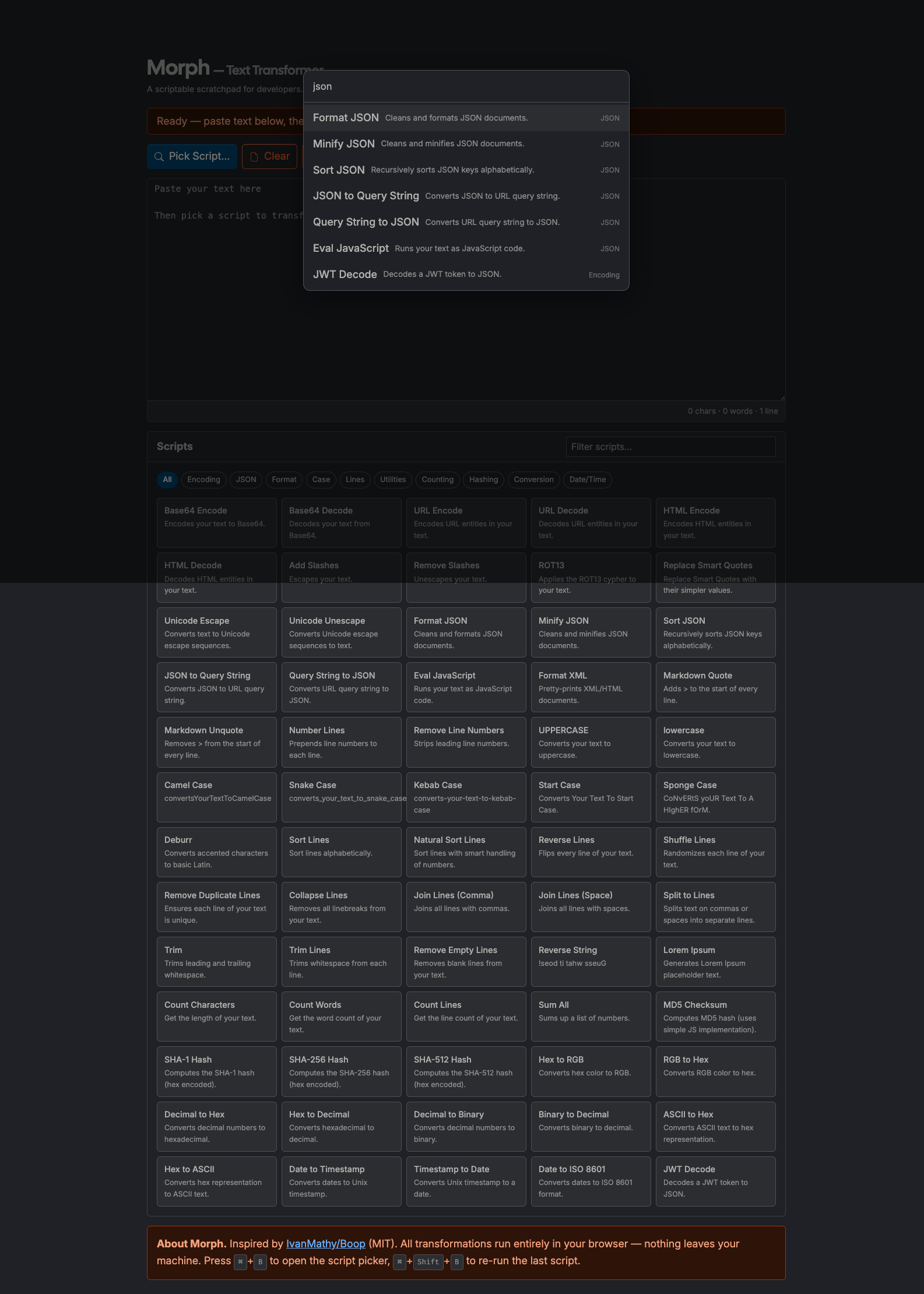
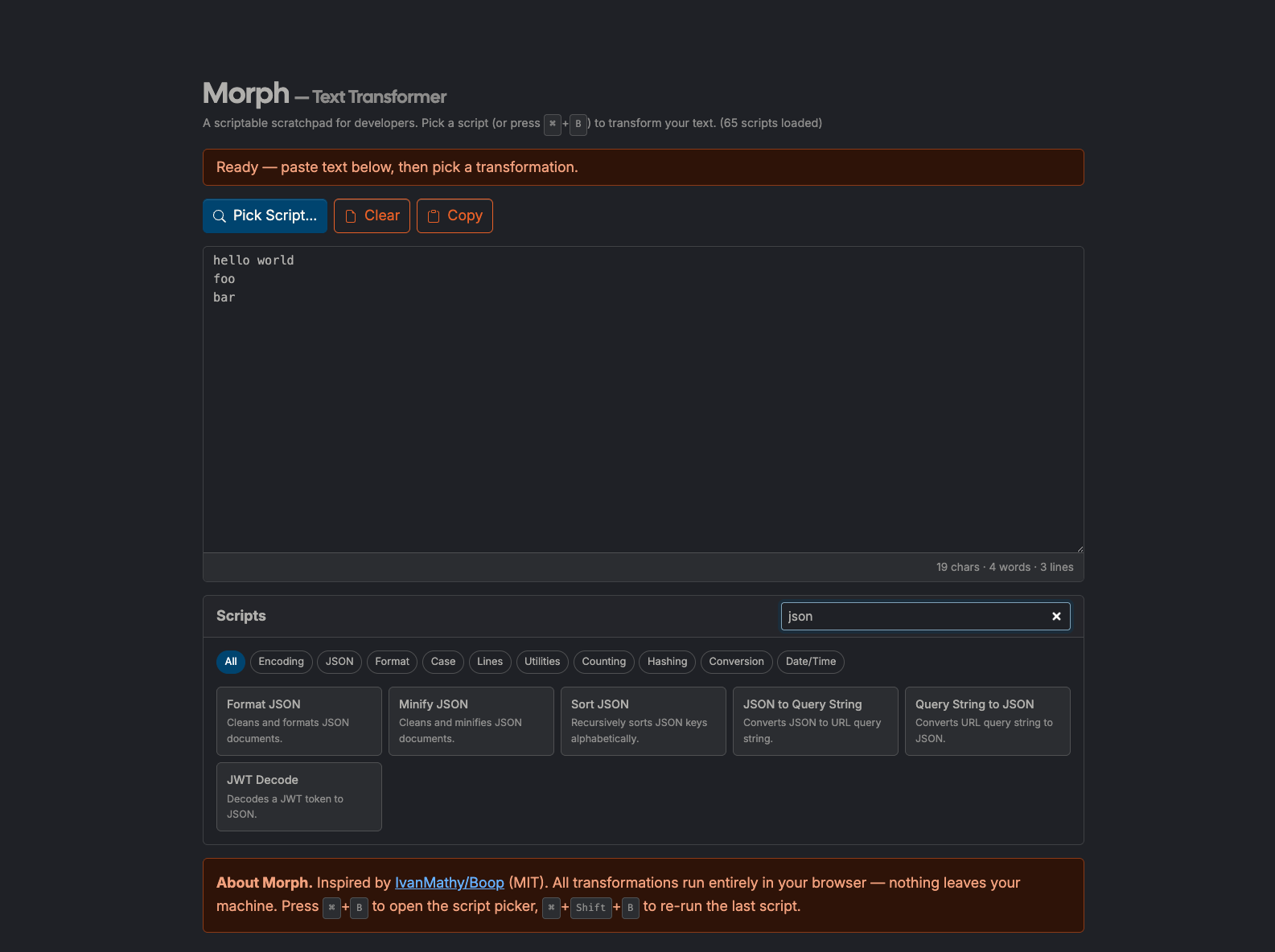
Morph is a browser-based text transformation workbench with 93 built-in scripts. Paste text, choose an operation, and get immediate output for common developer workflows: formatting, encoding/decoding, hashing, case conversion, and line operations.
Inspired by IvanMathy/Boop (MIT), this tool brings the Boop scripting model to a single-page web app.
How to use it
- Open: https://tedt.org/tools/morph.html
- Paste text into the editor.
- Run a script from the Scripts panel or open the command palette with ⌘+B (macOS) / Ctrl+B (Windows/Linux).
- Re-run the last script with ⌘+Shift+B / Ctrl+Shift+B.
- Use Undo, Copy, and Clear controls for quick iteration.
Notes
- Fully client-side: no server processing and no text upload required.
- Keyboard hints auto-adapt for macOS vs. Windows/Linux.
- Direct
file://opening is supported with stylesheet fallback; hosting via the site remains the recommended mode.
New in Morph (2026-02-22)
- Data interop: JSON ↔ YAML, CSV ↔ JSON, JSON Array ↔ JSONL.
- Encoding: Base64 URL Encode / Base64 URL Decode.
- Cleanup: Normalize Whitespace, Remove Zero-Width Chars, Strip HTML Tags, Regex Escape.
- Case and text: Swap Case, Slugify.
- Layout and line operations: Tabs to Spaces, Spaces to Tabs, Wrap Lines (80 chars), Unwrap Lines, Sort Lines (Case-Insensitive), Unique Lines (Case-Insensitive).
Details
Tech
- JavaScript
- HTML
- CSS
License
MIT
Tags
text
transform
encode
decode
hash
json
base64
developer-tools
Features
- 93 built-in text transformations
- Command palette with fuzzy search (⌘/Ctrl+B)
- Base64, URL, HTML, JWT encoding/decoding
- JSON format, minify, sort, and query string conversion
- SHA-256, SHA-512, MD5 hashing via Web Crypto API
- Case conversion: camelCase, snake_case, kebab-case, Start Case
- Line operations: sort, shuffle, dedupe, reverse, join
- Undo, copy, clear, re-run last script (⌘/Ctrl+Shift+B)
- All processing runs entirely in the browser
Screenshots