
AI Chat Window
Client-side AI prompt workbench with system-prompt history, streaming output, markdown rendering, and copy-ready responses.
ACTIVE
webapp
Updated February 22, 2026
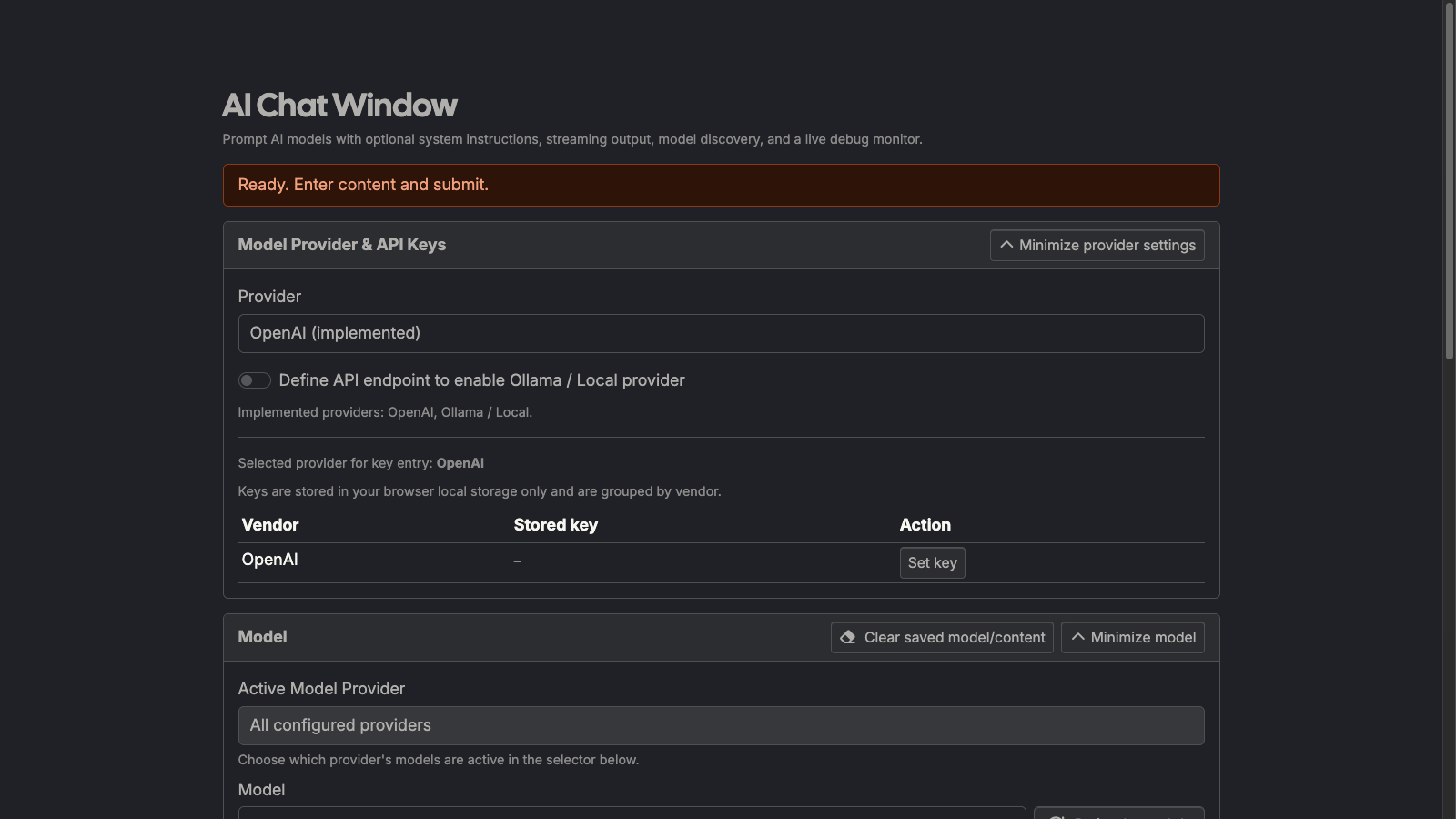
What it does
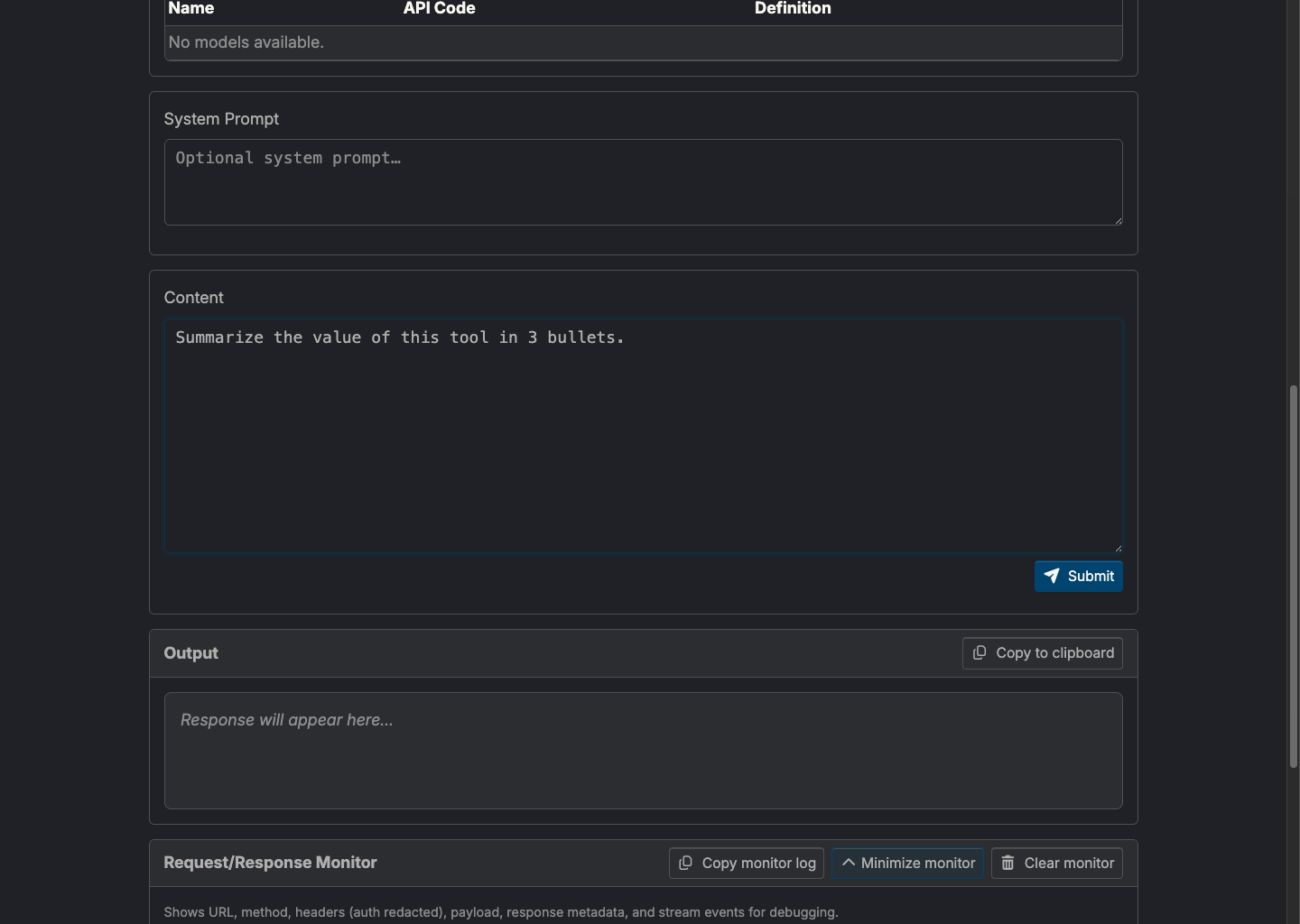
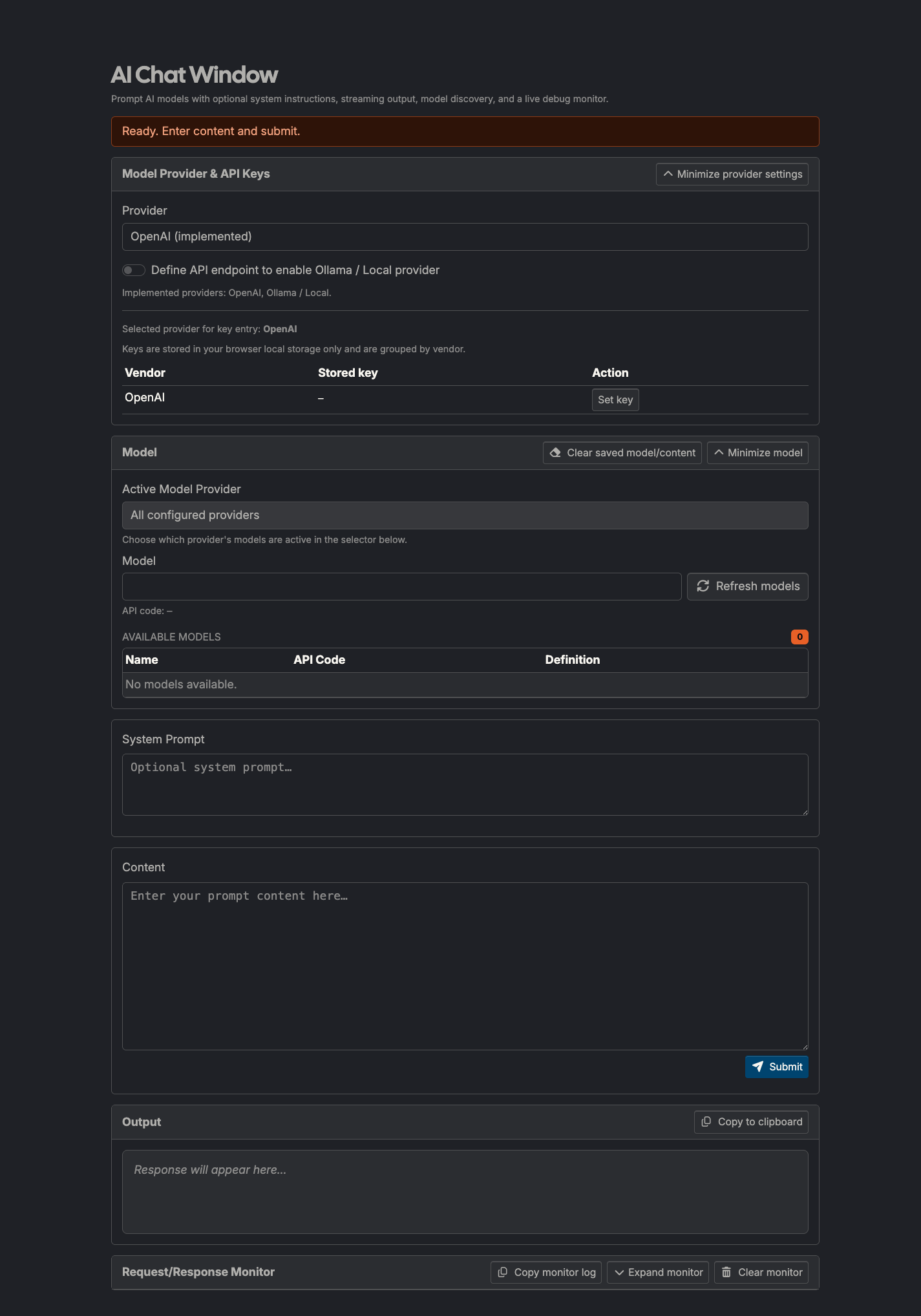
AI Chat Window is a browser-based prompt runner for AI models. It supports an optional system instruction, streaming response output, markdown rendering, and local prompt history for fast iteration.
How to use it
- Open: https://tedt.org/tools/ai-chat-window.html
- Enter an optional System Prompt and your Content prompt.
- Pick or type a model id.
- Click Submit (or use Ctrl/⌘+Enter).
- Copy the generated response using Copy to clipboard.
Notes
- API keys are stored in browser local storage and sent directly to the selected provider.
- No server-side processing is performed by this site for prompt generation.
- Streaming output is incremental; errors appear inline below controls.
- Monitor panel logs request URL, sanitized headers, payload, response status, and stream events to debug API behavior (including 429s).
Details
Tech
- JavaScript
- HTML
- CSS
License
MIT
Tags
prompt
llm
ai
streaming
markdown
developer-tools
Features
- Streaming responses from chat-completions APIs
- Optional system prompt with local history
- Live request/response monitor for debugging API calls
- Ctrl/⌘+Enter submit shortcut
- Markdown-rendered output and one-click copy
- Client-side API key storage (localStorage)
- URL-encoded paste auto-decode helper
Screenshots