 Ted Tschopp
IPFS in the Browser
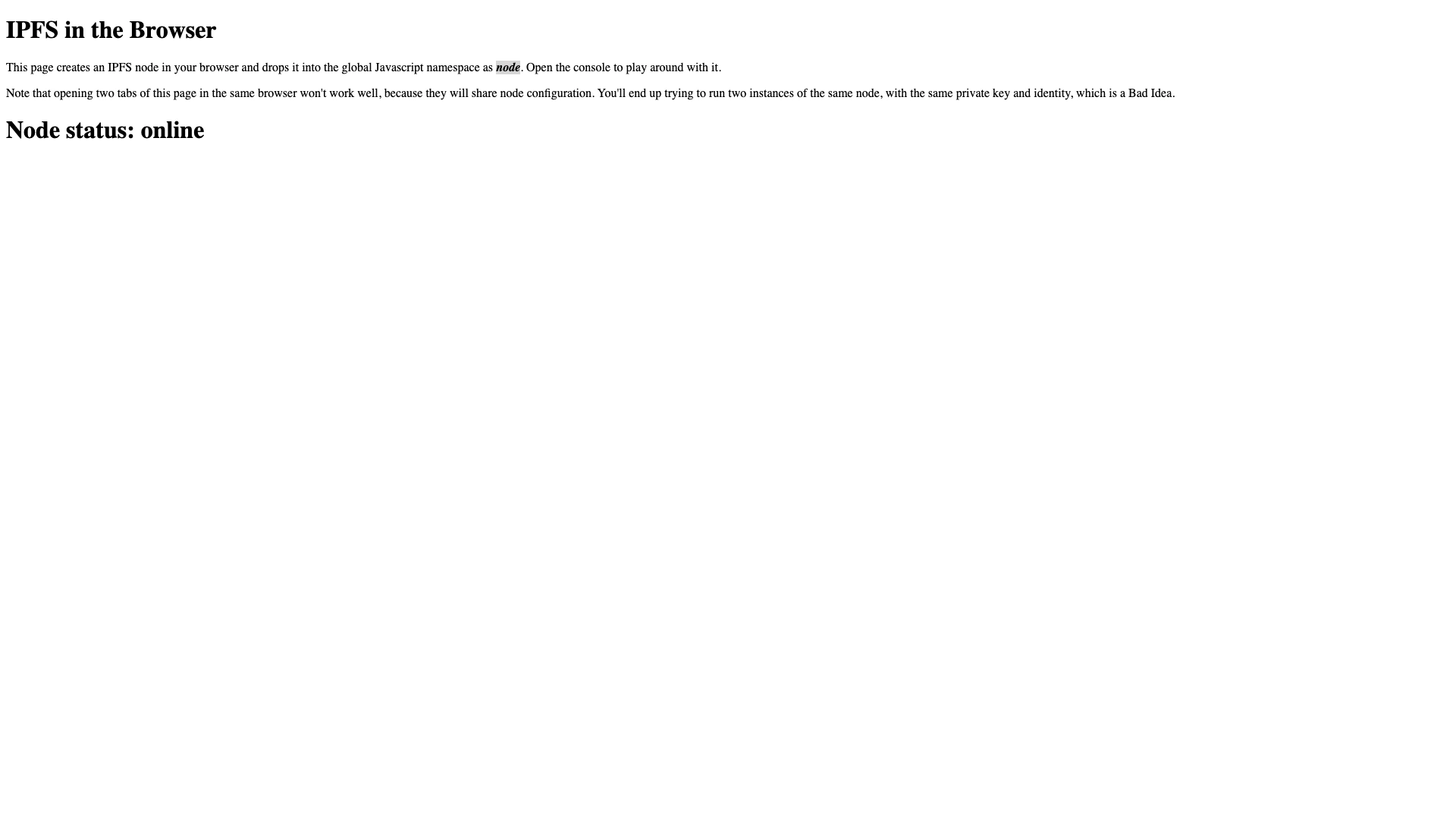
Creates a temporary IPFS node in your browser and demos fetching a file via CID.
PROTOTYPE
webapp
Updated January 4, 2026

What it does
This page creates an IPFS node in your browser and exposes it as window.node so you can experiment from DevTools.
It also includes a small example that cats a hard-coded CID and renders it into an <img> tag.
How to use it
- Open: /tools/ipfs/index.html
- Open DevTools → Console
- Look for
window.nodeand try IPFS methods likenode.add()andnode.cat()
Notes
- This is a demo / experiment and relies on a third-party CDN script include.
- Running multiple tabs of the page at once can cause conflicts (multiple nodes attempting to use the same config/identity).
Details
Tech
- JavaScript
- HTML
Tags
ipfs
javascript
web3
demo
tools
Features
- Spins up a transient IPFS node in-browser
- Exposes the node as window.node for console exploration
- Example: cat a CID and display it as an image
Screenshots